
Widgets
Estimated reading: 1 minute
73 views
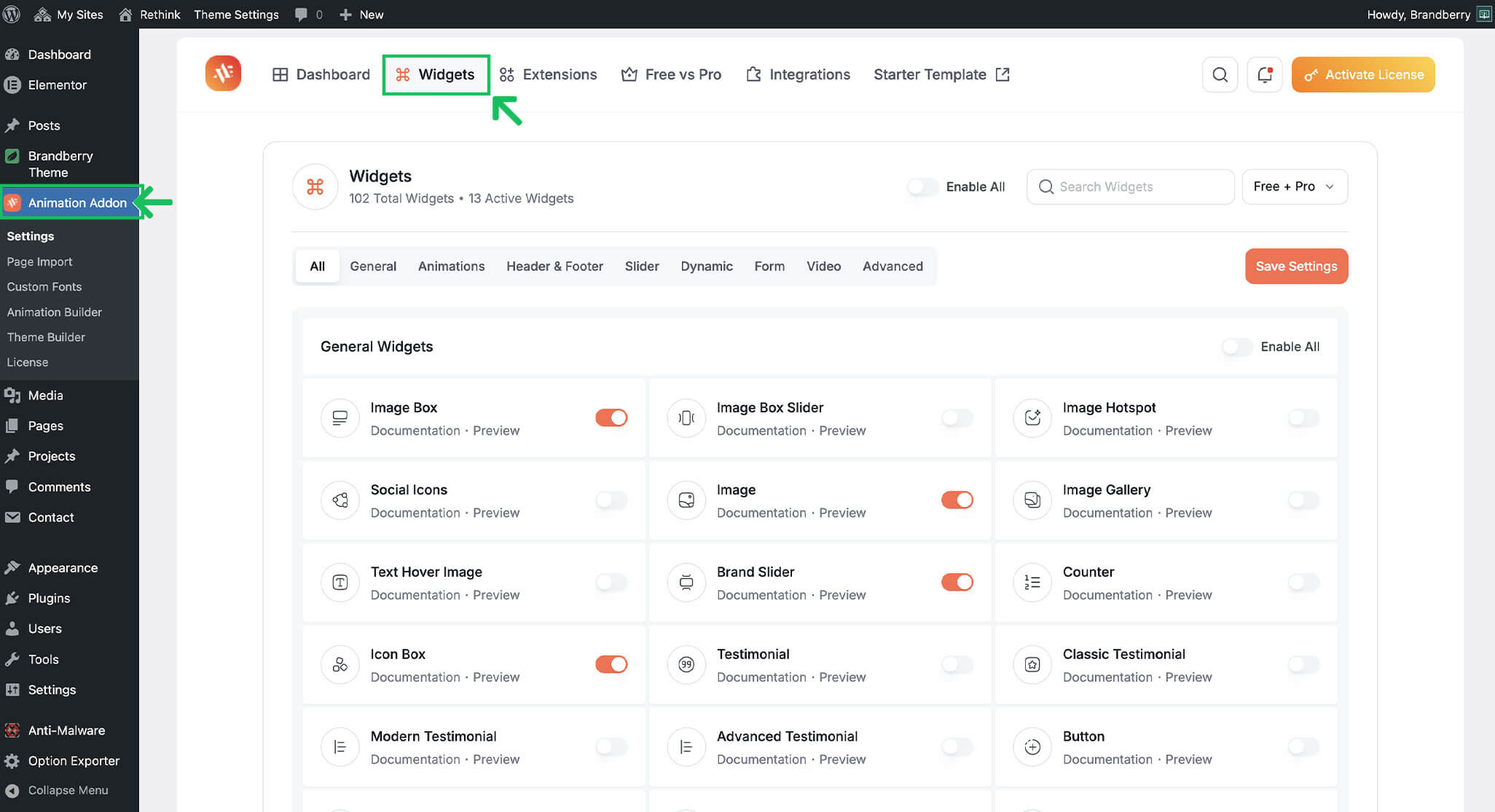
The Animation Addons plugin extends Elementor with a large collection of advanced widgets that can be used to build interactive and animated layouts.
Brandberry uses Animation Addons widgets across its demos and theme features, including sliders, grids, animated text, buttons, and interactive elements. All widgets required by Brandberry are included and ready to use after theme installation.
Using Widgets in Elementor
To use Animation Addons widgets:
- Edit a page with Elementor.
- Browse the Elementor widget panel.
- Look for widgets provided by Animation Addons.
- Drag and drop the widget into your layout.
Full Widget Documentation
Animation Addons provides detailed documentation for each widget, including usage examples and configuration options Animation Addons – Widgets Documentation
Tip If you are unsure which widget to use, start by editing a demo page to see how widgets are combined and configured.
