Import sections/Template Library
Estimated reading: 1 minute
142 views
After activating your Envato license, you will gain access to Brandberry’s elementor template library.
Brandberry also includes an Elementor Template Library, which allows you to import individual sections and pre-designed blocks directly into your pages. This option is perfect if you want to mix and match sections or build custom layouts from ready-made components.
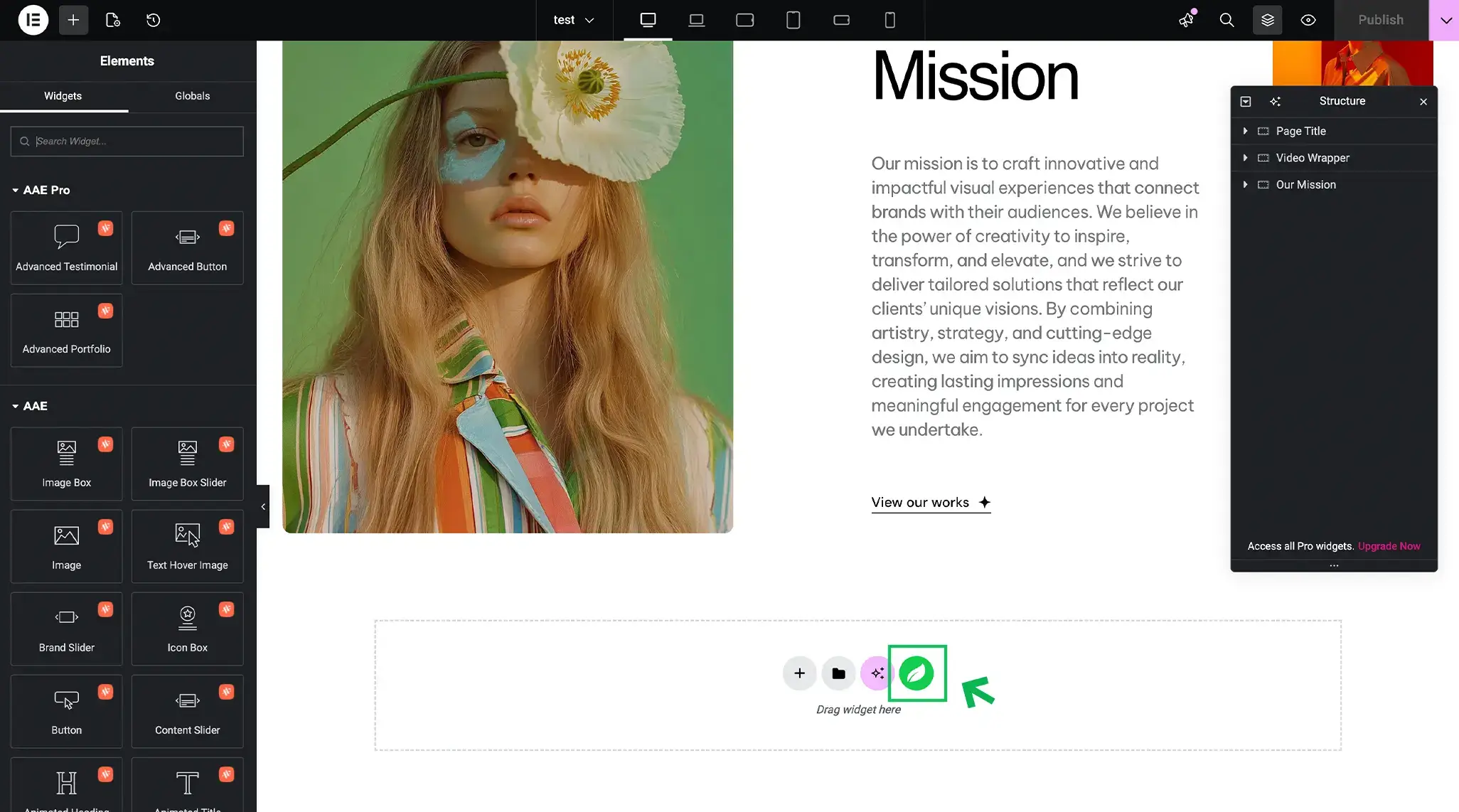
To access the template library:
- Edit any page using Elementor.
- Click the Template Library icon.
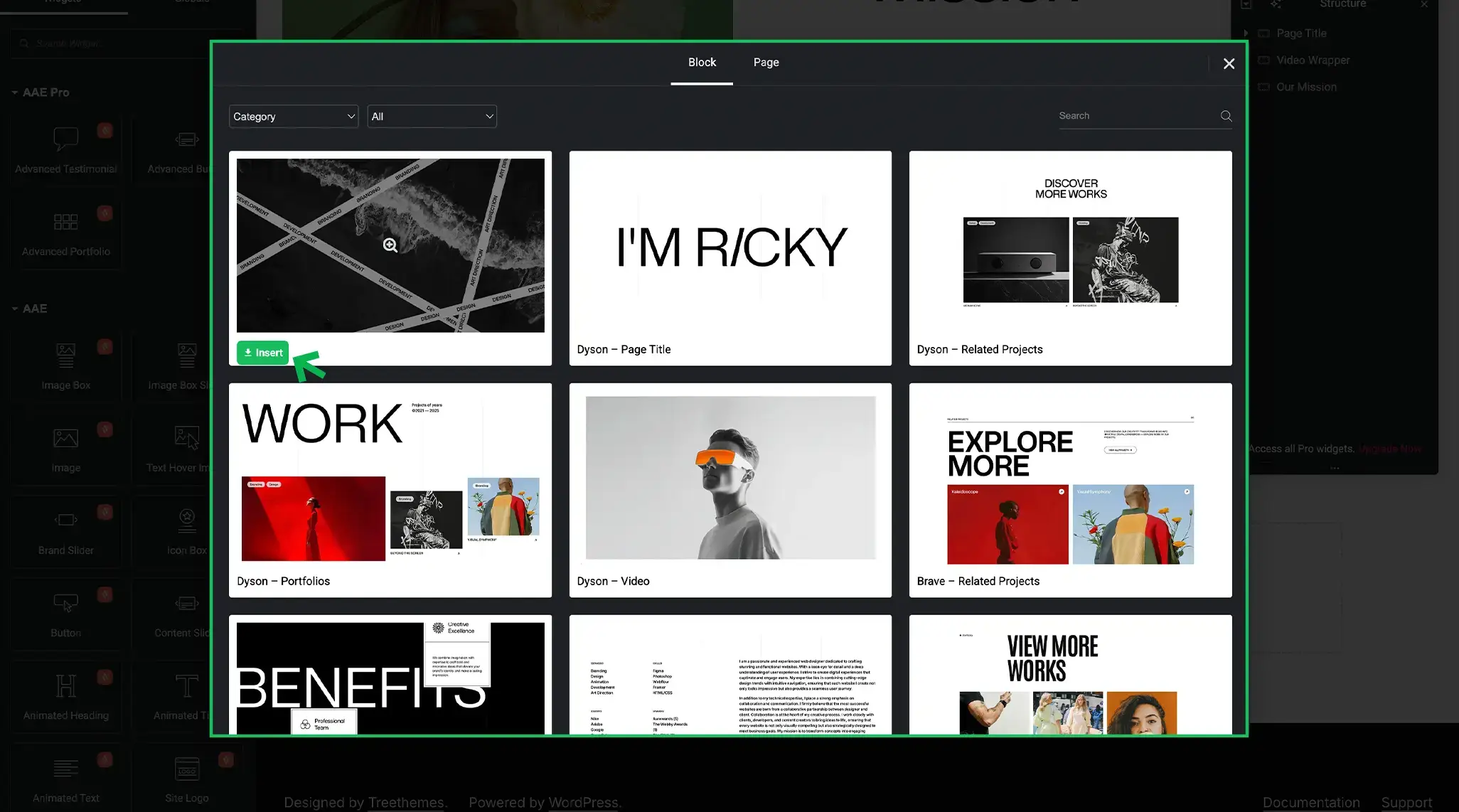
- Browse Brandberry sections and templates.
- Insert the selected template into your page.
Tip Import only what you need. Using page or section imports helps keep your website
lightweight and organized.
Check other two demo import options:
- Import Full Demo/Website
- Page Import
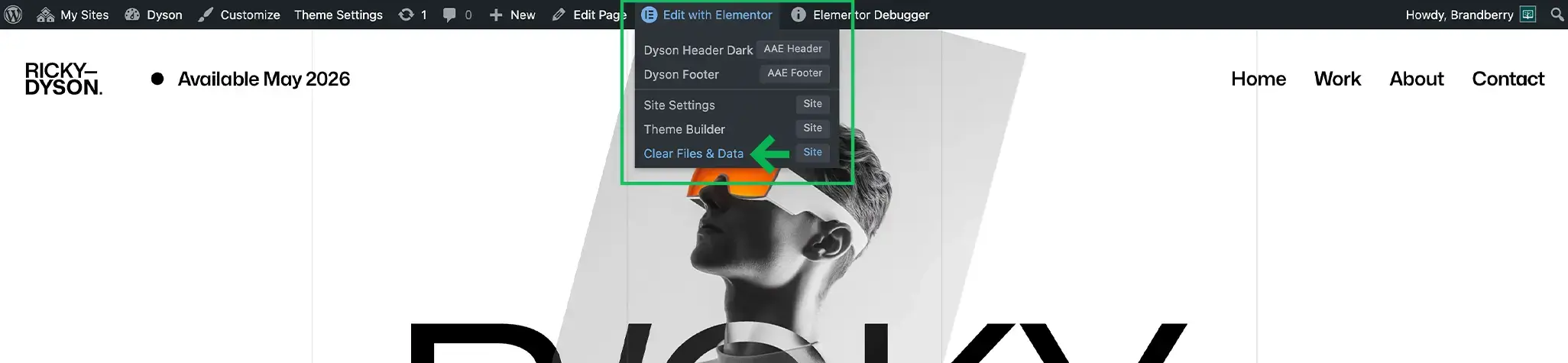
IMPORTANT: After the import, you may need to clear the page cache in Edit with Elementor → Clear Files & Data.