
Portfolio Widgets And Settings
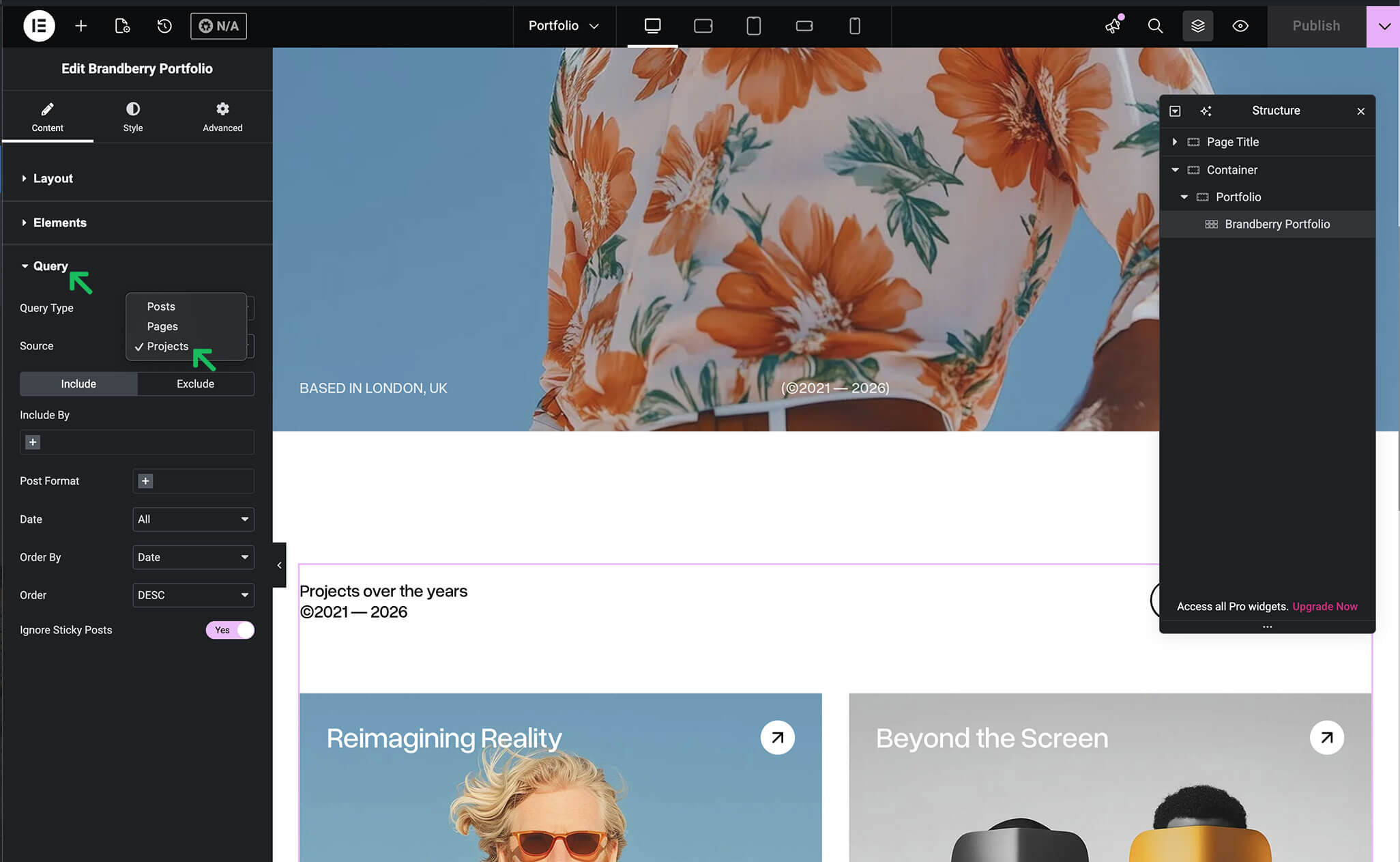
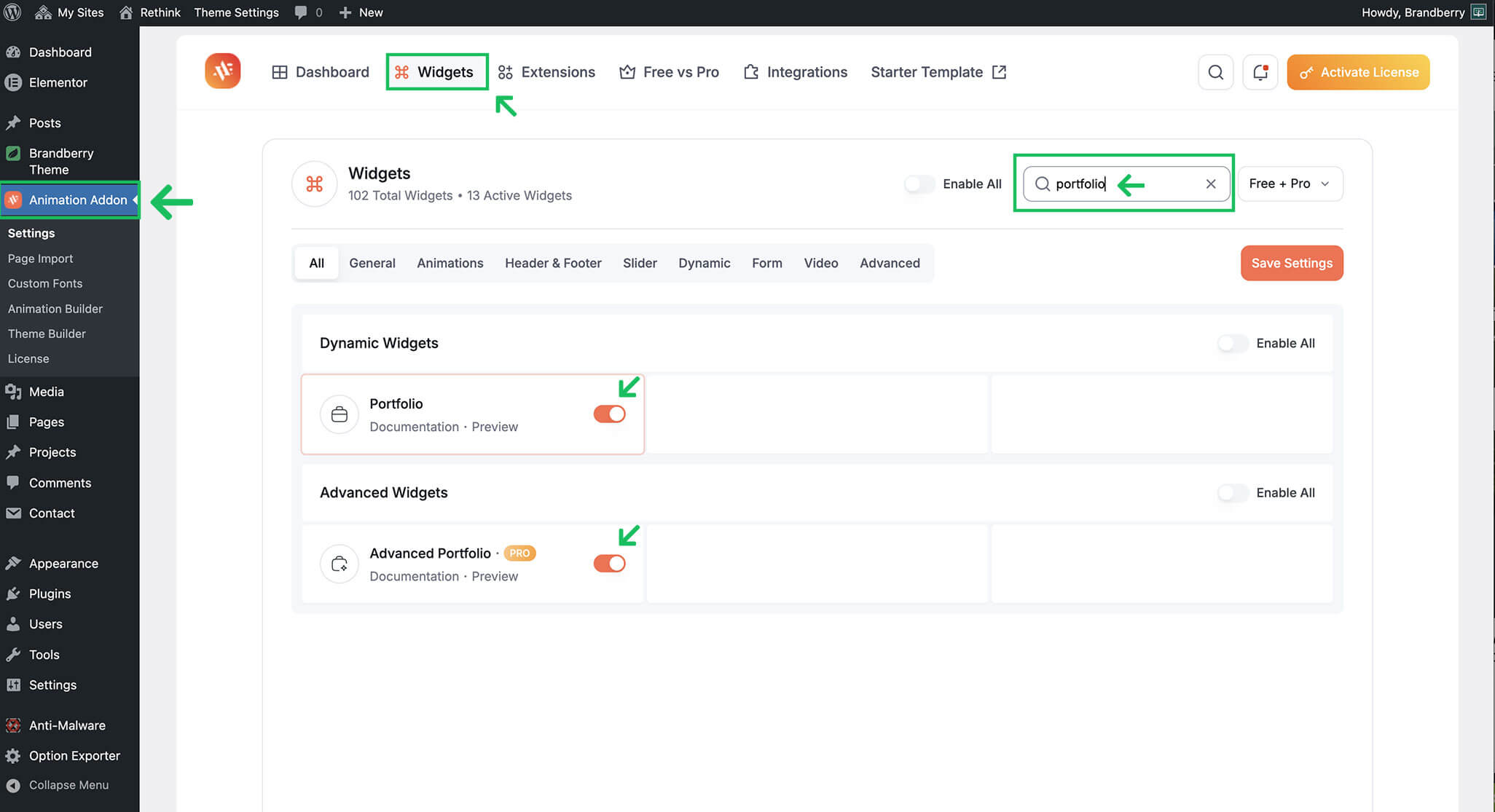
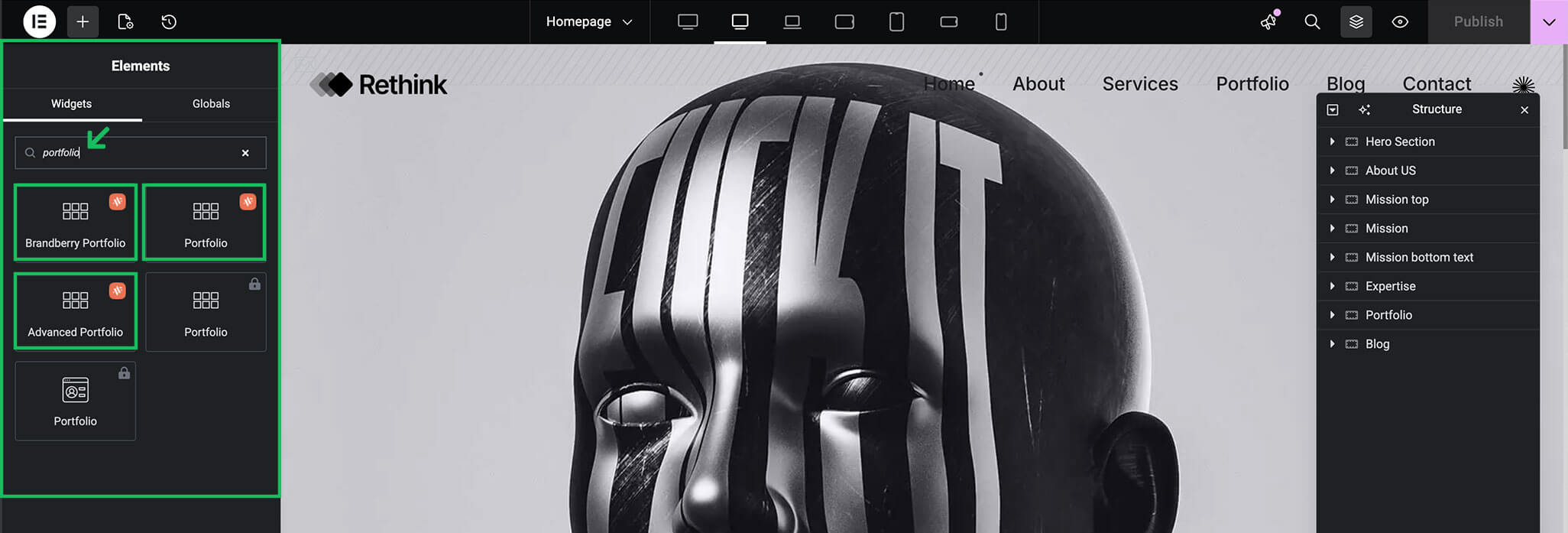
Brandberry includes multiple portfolio widgets that allow you to display your projects in different layouts using Elementor. Available portfolio widgets include:
- Brandberry Portfolio
- Portfolio (Animation Addons Plugin)
- Advanced Portfolio (Animation Addons Plugin)
Displaying Projects
These widgets can be used to display projects in grids, masonry layouts, or interactive portfolios. You can control:
- Number of projects displayed
- Layout type and columns
- Category filtering
- Hover effects and animations
- Spacing and (Animation Addons Plugin)
Note About Portfolio Implementations
In most cases, Brandberry portfolios are built using the Projects custom post type combined with portfolio widgets. This approach is recommended and provides the best balance between structure, flexibility, and content management.
However, in some demos (for example, the Rethink demo) the portfolio layout is built directly using Elementor widgets, without relying on a custom post type.
This decision was made to support a highly complex and custom layout that would have been difficult to achieve with a traditional post-based structure.
While this widget-based approach offers maximum design freedom, it is best suited for portfolios that do not require frequent content updates or structured project management.
We are actively evaluating improvements for future updates, including the possibility of introducing a dedicated portfolio solution to better support advanced layouts like these.
You are free to choose the approach that best fits your needs: structured projects using CPTs, or fully custom widget-based portfolios. Both methods are fully supported within Brandberry.
Project Layout Workflow
In the Brandberry demos, each project is designed individually using Elementor, allowing every project to have its own unique layout.
If all your projects share the same structure, you can optionally use the Single Builder to create one dynamic template that applies to all projects. Both approaches are fully supported—choose the one that best fits your workflow.
