
Setup Multilingual Website
Estimated reading: 1 minute
69 views
If your website needs to support multiple languages, you should use a dedicated multilingual plugin. Brandberry is compatible with the two most popular multilingual solutions: WPML and Polylang.
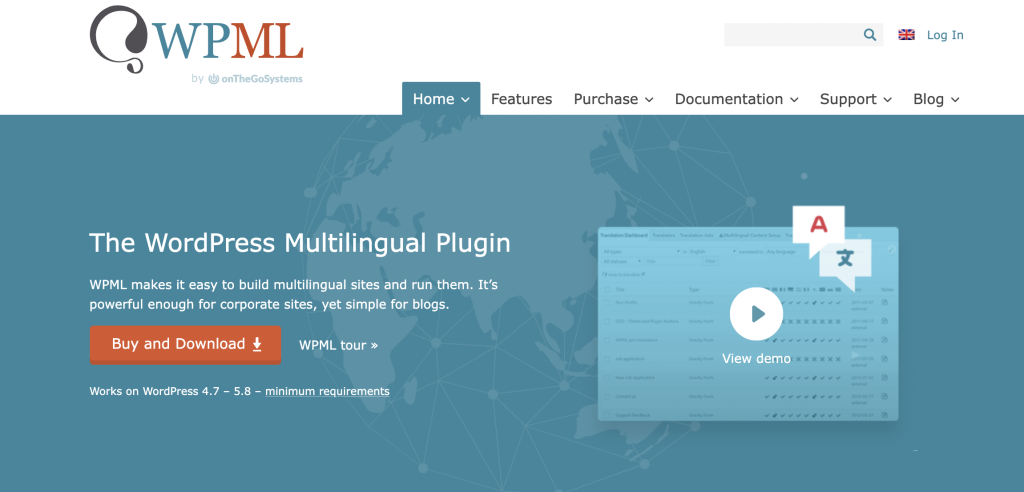
Using WPML
WPML is a premium multilingual plugin designed for complex and professional websites.
- Install WPML
Purchase and install WPML from: WPML - WPML Documentation
Learn how to configure and use WPML: WPML Documentation
WPML allows you to:
- Translate pages, posts, custom post types, and taxonomies
- Translate menus, widgets, and theme strings
- Manage translations using advanced translation tools
- Assign translation roles to other WordPress users
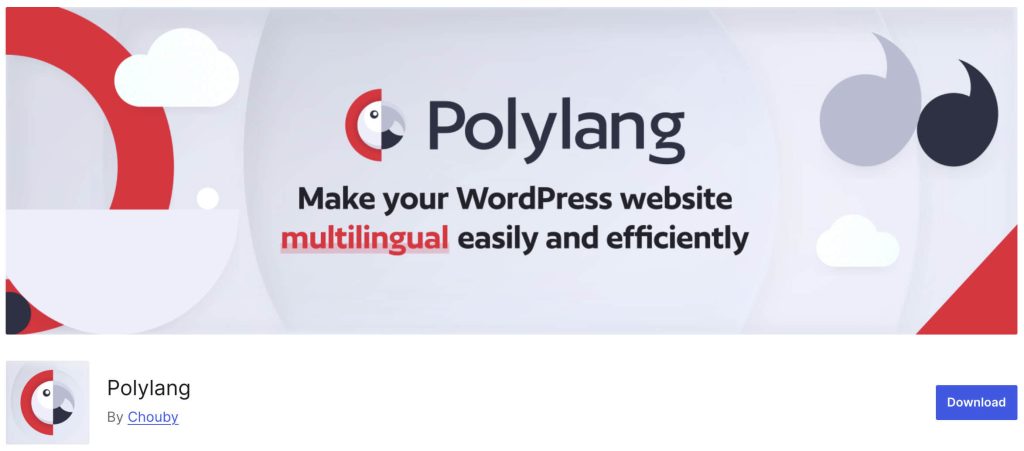
Using Polylang
Polylang is a flexible and lightweight multilingual plugin, available in both free and premium versions.
- Install Polylang
Download Polylang from: Polylang - Polylang Documentation
View the official guides: Polylang Documentation
Polylang allows you to:
- Translate posts, pages, media, and custom post types
- Translate categories, tags, and custom taxonomies
- Create and manage language switchers
- Handle multilingual URLs and SEO-friendly language structures
By using these tools, you can easily adapt Brandberry for international audiences. Whether you need a single translated language or a fully multilingual website, these plugins provide the flexibility required for professional localization.
