Blog Layout Options (Elementor vs Default Theme Blog)
Estimated reading: 1 minute
305 views
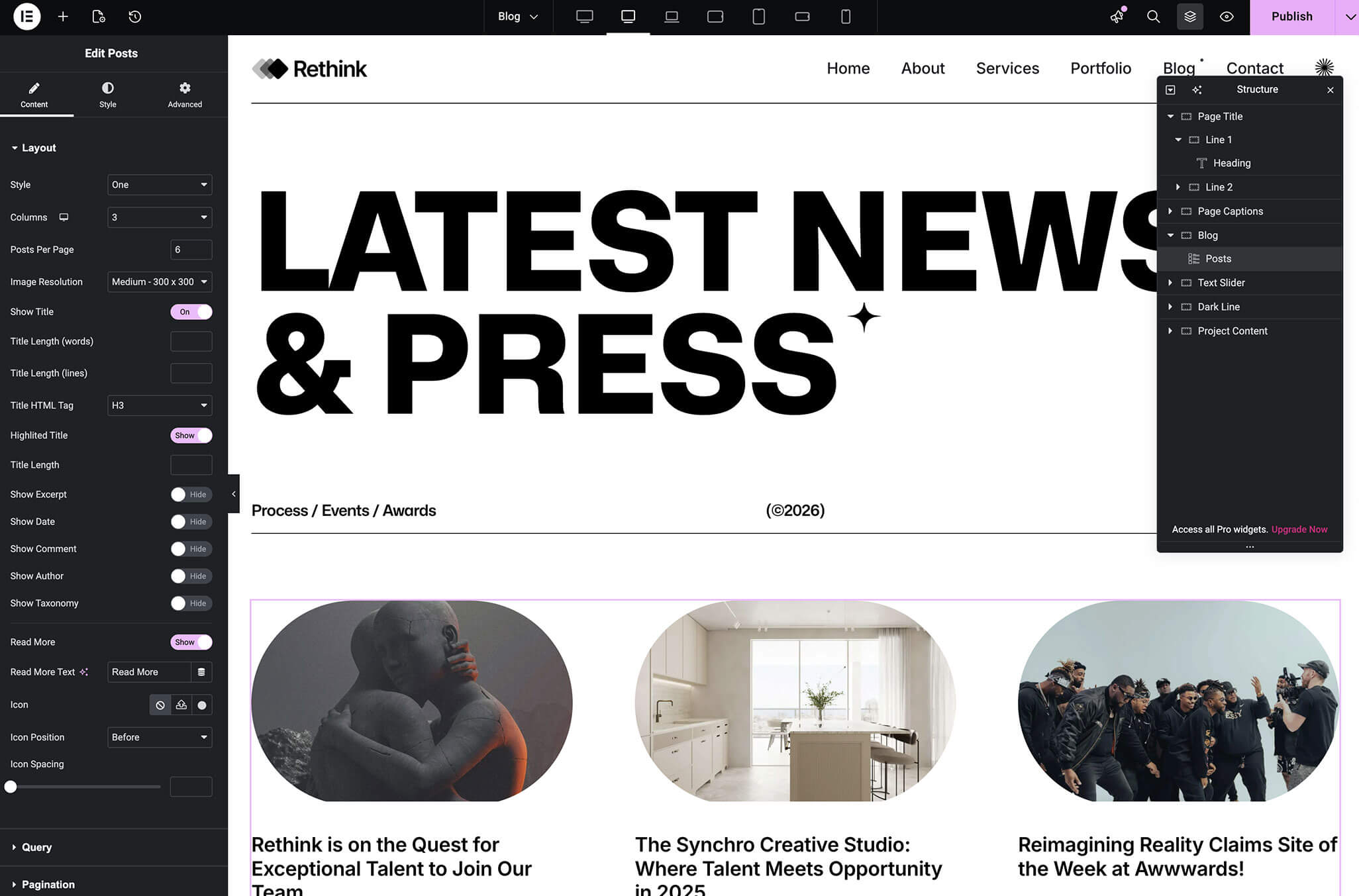
Brandberry supports two different ways to build and display blog content. Understanding the difference will help you choose the best workflow for your website.
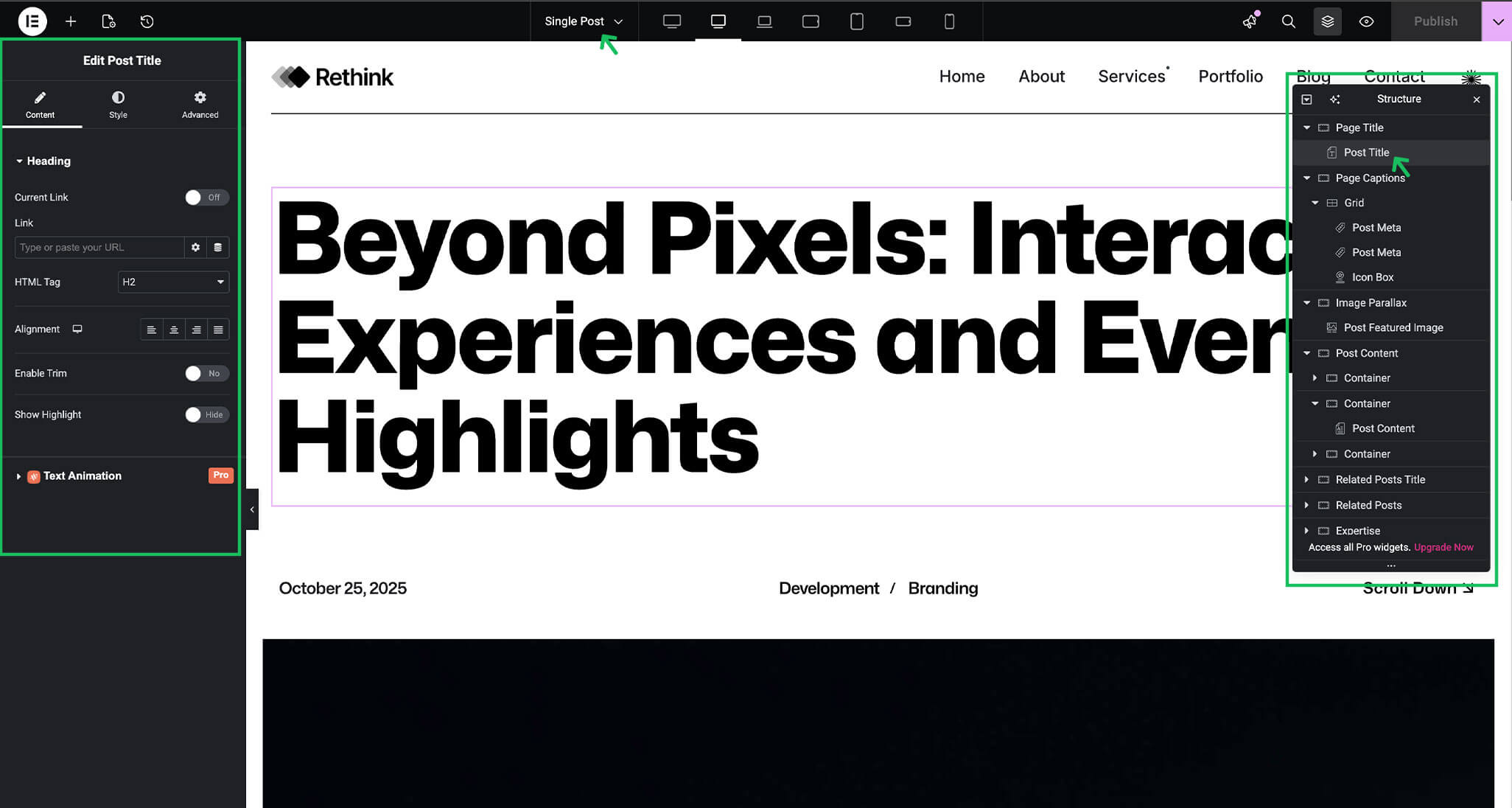
Option 1: Elementor Blog (Recommended)
This is the approach used in all Brandberry demo websites.
This method provides maximum design flexibility and full control over layouts, animations, and responsiveness.
Option 2: Default Theme Blog (Without Elementor)
Brandberry also includes a traditional blog layout that does not require Elementor.
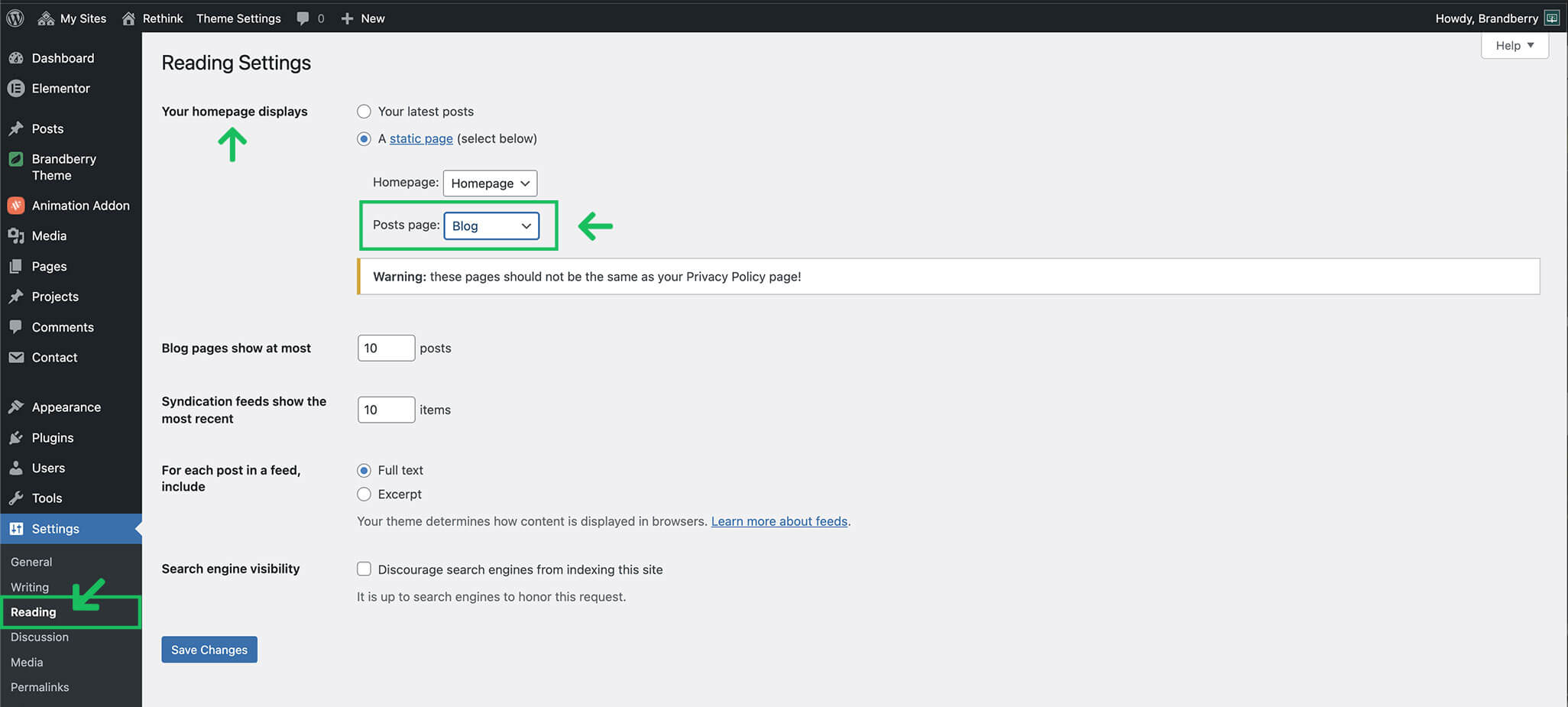
- Blog page is assigned via Settings → Reading
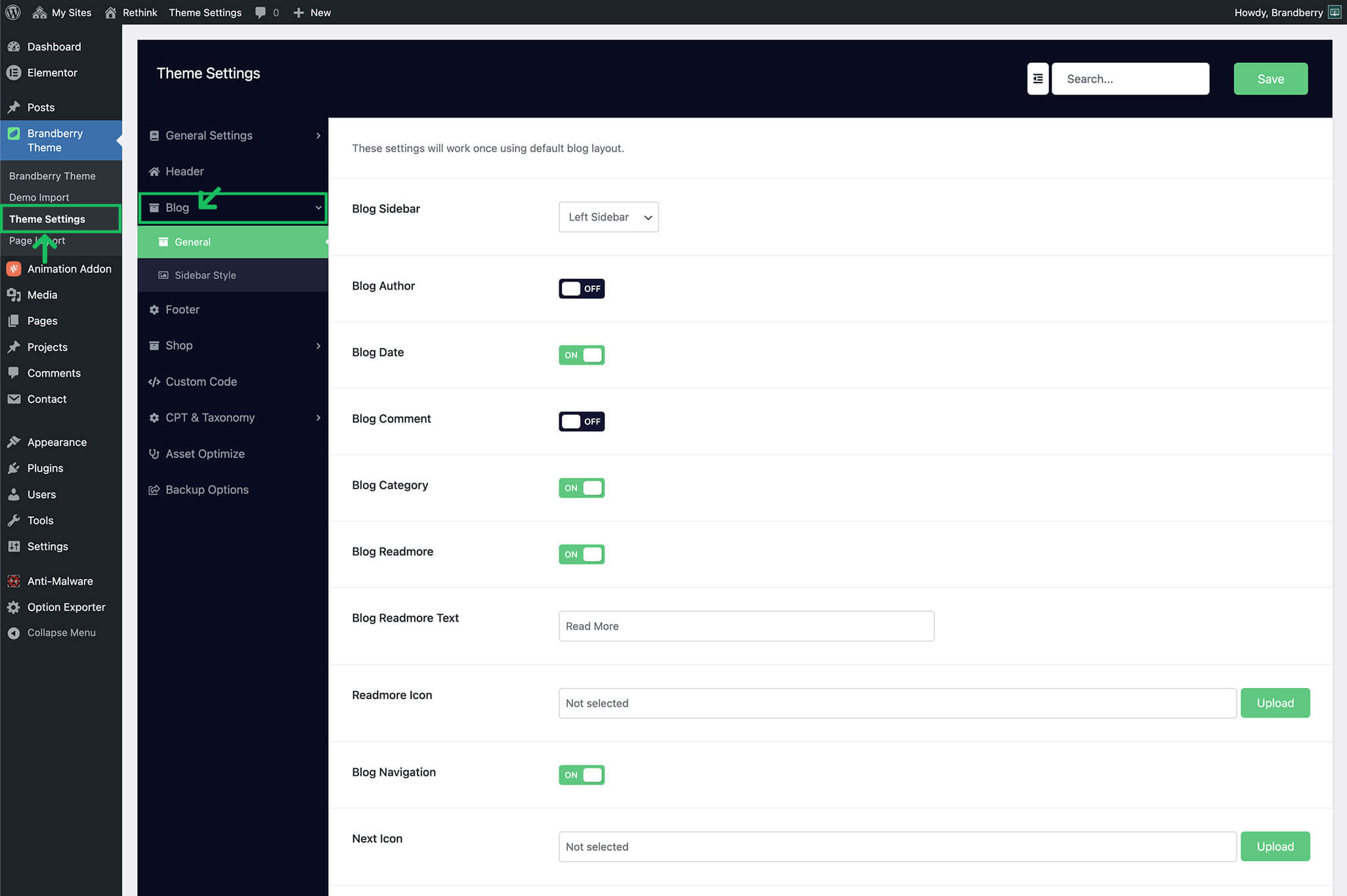
- Uses the theme’s built-in blog layout
- Customization is done via Theme Settings → Blog
This option is suitable for simpler blogs or users who prefer a classic WordPress setup.
Important We recommend choosing one approach and using it consistently to avoid layout conflicts.
Using Default Theme Blog
If you are using the default theme blog layout:
- Go to Settings → Reading.
- Set Your homepage displays to A static page.
- Select a page for Posts page.
- Save changes.
The selected page will automatically display blog posts using the theme layout.