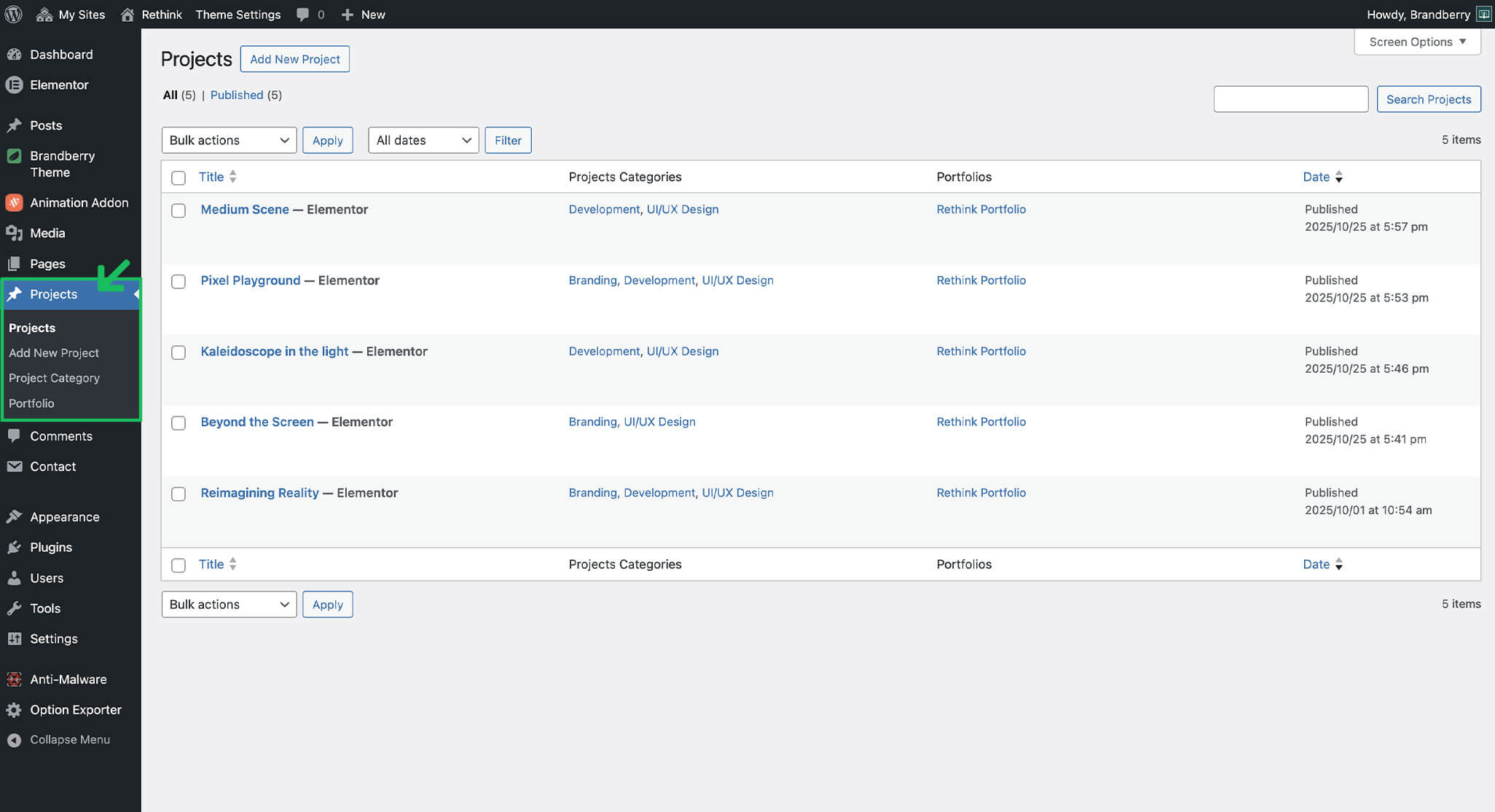
Create New Project And Categories
Estimated reading: 1 minute
250 views
After creating the Projects post type, you can start adding individual projects and organizing them using categories or custom taxonomies.
Adding a New Project
- Go to Projects → Add New.
- Enter the project title.
- Click Edit with Elementor to build the project content.
- Add sections, images, text, and widgets as needed.
- Set a featured image.
- Publish the project.
Project Categories
Categories help you organize projects and filter them inside portfolio widgets. If categories are enabled, you can:
- Create categories from the Projects menu
- Assign categories while editing a project
- Use categories for filtering and navigation
This structure is especially useful for portfolio grids and advanced layouts.