Archive / 404 / Search
Estimated reading: 2 minutes
182 views
Brandberry uses Elementor’s Theme Builder to let you fully customize archive pages, search results pages, and 404 error pages. Instead of relying on default WordPress layouts, you can design these templates visually and keep your site consistent across all page types.
How to create a new Archive / 404 / Search
To create a custom footer:
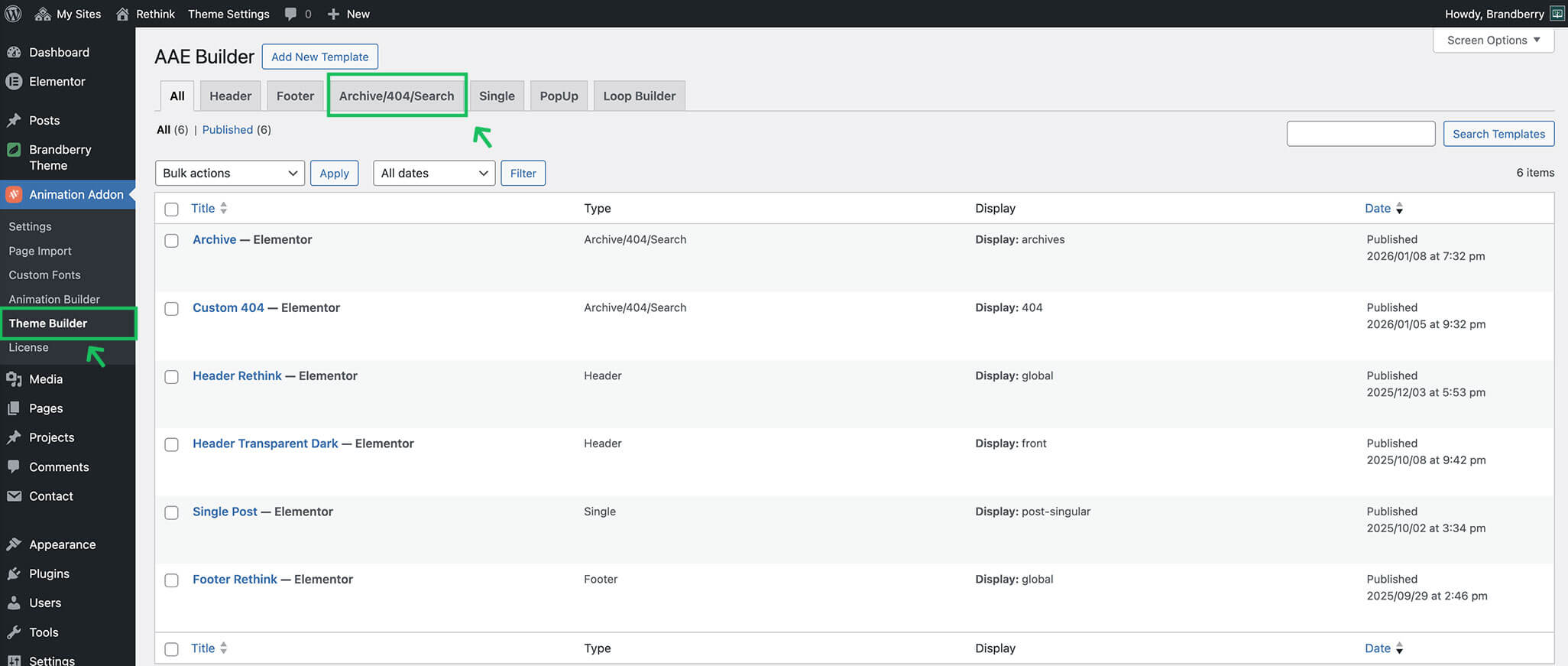
- Open the Theme Builder (Animation Addons → Theme Builder)
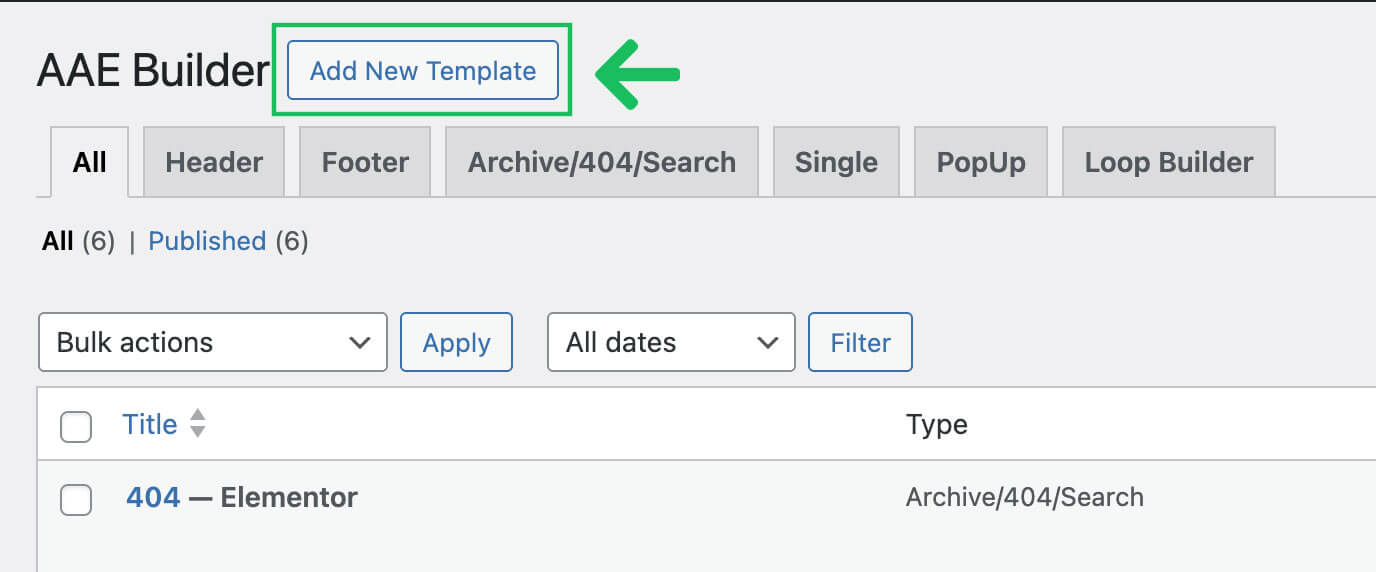
- Click Add New Template and choose your Archive, 404 Page or Search.
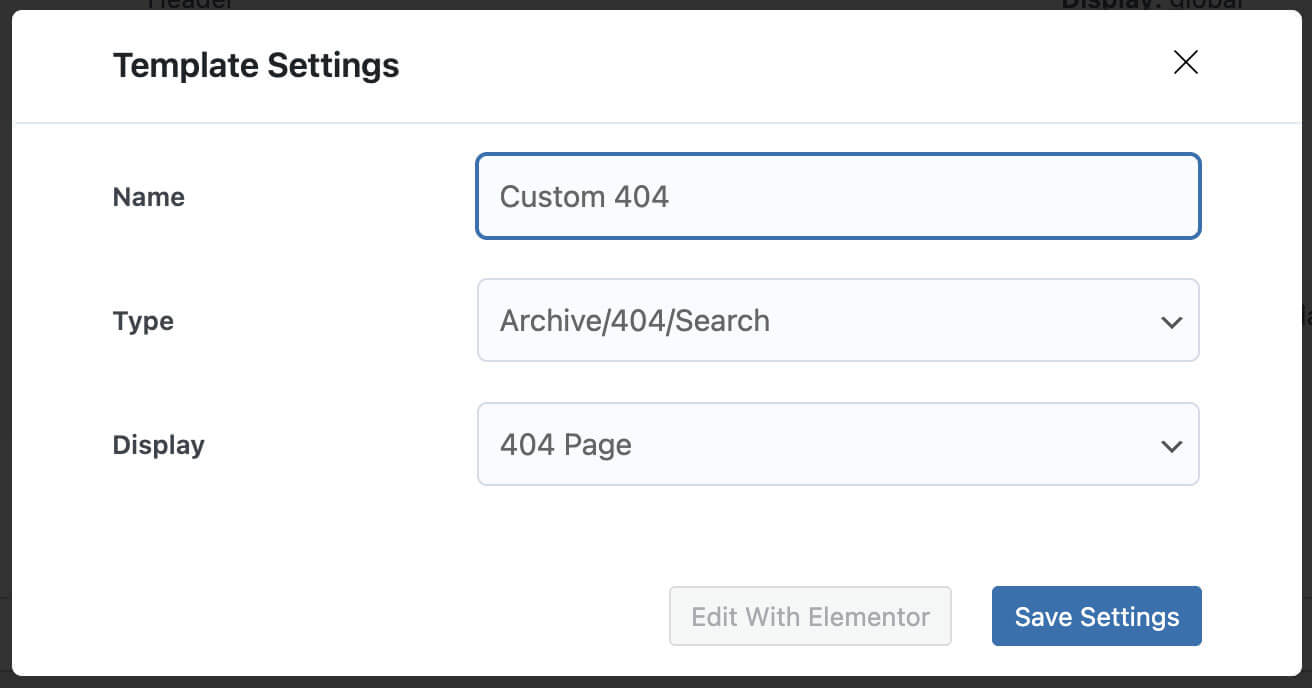
- Fill the options and conditions
- Click Edit with Elementor.
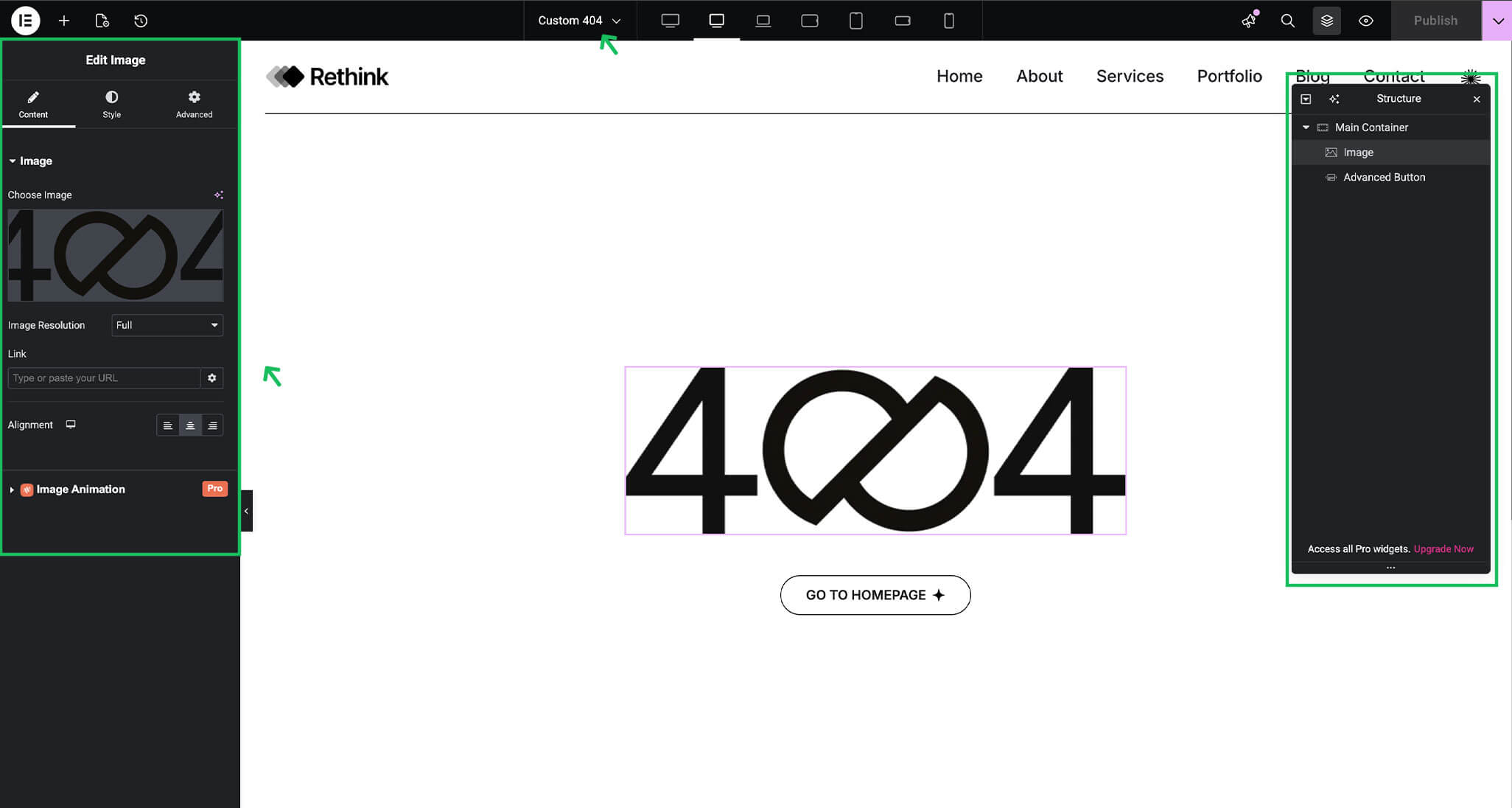
- Design page using Elementor widgets.
After creating a footer template, you can control where it appears on your site.
Archive Pages
Archive templates control how grouped content is displayed, such as:
- Blog archives
- Category and tag pages
- Custom post type archives
With Brandberry, you can design archive layouts using Elementor and display content in grids, lists, or custom layouts using dynamic widgets. You can also control where each archive template is applied using display conditions.
Search Results Pages
Search templates define how results appear when visitors search your website. Using Elementor, you can customize the search results layout to improve readability and help users quickly find relevant content. You can include dynamic content, custom headings, and structured layouts to match your overall site design.
404 Error Pages
The 404 page is displayed when a visitor tries to access a page that does not exist. Brandberry allows you to create a custom 404 page using Elementor, giving you full control over layout, messaging, and design. A well-designed 404 page helps guide users back to useful content instead of leaving your site.